Teaching Ideas and Resources - Mouse Mischief for PowerPoint released
“…But, I am really pleased to announce that the full version is now available to download for free at www.microsoft.com/mousemischief
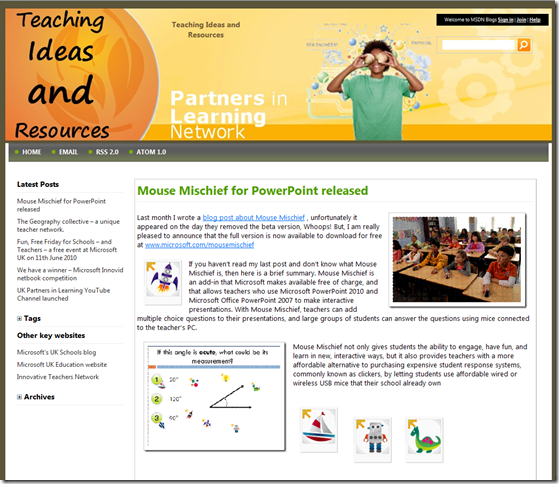
If you haven’t read my last post and don’t know what Mouse Mischief is, then here is a brief summary. Mouse Mischief is an add-in that Microsoft makes available free of charge, and that allows teachers who use Microsoft PowerPoint 2010 and Microsoft Office PowerPoint 2007 to make interactive presentations. With Mouse Mischief, teachers can add multiple choice questions to their presentations, and large groups of students can answer the questions using mice connected to the teacher’s PC.
Mouse Mischief not only gives students the ability to engage, have fun, and learn in new, interactive ways, but it also provides teachers with a more affordable alternative to purchasing expensive student response systems, commonly known as clickers, by letting students use affordable wired or wireless USB mice that their school already own
…
…”
“Try a little Mischief.
Mouse Mischief integrates into Microsoft PowerPoint 2010 and Microsoft Office PowerPoint 2007, letting you insert questions, polls, and drawing activity slides into your lessons.
Students can actively participate in these lessons by using their own mice to click, circle, cross out, or draw answers on the screen.
…

Forget teaching, I think this could be fun/cool for a work presentation! Anything to keep the audience awake (err… um… wow, déjà-vu seems I’ve just said this… I mean “engaged” :)
I wonder if there's a way to know which kid was the one who drew the big veiny pee-pee* during the history lesson?
ReplyDelete*can vulgar adjectives make acceptable terms NSFW?
LOL
ReplyDeleteHi Greg,
ReplyDeleteThanks for blogging about Mouse Mischief. It is a very cool add-in (and I agree with the first comment here about using during work presentations)!
It'd be great if you would just the Office Page on Facebook and share your reviews and tips & tricks with the community, www.facebook.com/office.
Cheers,
Cassandra
Microsoft Office Outreach
Hi Greg,
ReplyDeleteIs there a way to directly access the mouse mischief statistics and functions via vba? Can't find anything about it online yet.
I'd like to add a results page at the end of the show and maybe influence the timer-function.
Thank's for your help and Merry Christmas.
Andy