DanRigby.com - Xamarin Studio Settings for Visual Studio Developers
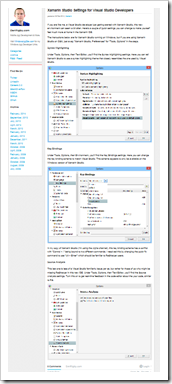
If you are like me, a Visual Studio developer just getting started with Xamarin Studio, this new environment can seem a bit alien. Here's a couple of quick settings you can change to make yourself feel much more at home in the Xamarin IDE.
The instructions below are for Xamarin Studio running on Windows, but if you are using Xamarin Studio on OSX, just swap "Xamarin Studio, Preferences" for "Tools, Options" in the steps.
Syntax Highlighting
Under Tools, Options, then ...
Key Bindings
Under Tools, Options, then...
Source Analysis
This last one is less of a Visual Studio familiarity issue per se, but rather for those of us who might be missing ReSharper in this new IDE...
..."
Unlike many of you cutting edge guys, and gals, I've yet to get started playing with Xamarin. But when I do, I know I'll need this (and those of you who are, this might come in handy for you now ;)
No comments:
Post a Comment
NOTE: Anonymous Commenting has been turned off for a while... The comment spammers are just killing me...
ALL comments are moderated. I will review every comment before it will appear on the blog.
Your comment WILL NOT APPEAR UNTIL I approve it. This may take some hours...
I reserve, and will use, the right to not approve ANY comment for ANY reason. I will not usually, but if it's off topic, spam (or even close to spam-like), inflammatory, mean, etc, etc, well... then...
Please see my comment policy for more information if you are interested.
Thanks,
Greg
PS. I am proactively moderating comments. Your comment WILL NOT APPEAR UNTIL I approve it. This may take some hours...