Syncfusion eBooks - Visual Studio 2013 Succinctly
Visual Studio 2013 brings many new improvements to the popular integrated development environment, including the long-awaited synchronized settings and notifications. With author Alessandro Del Sole as your guide, you will learn how to harness these features for increased productivity and efficiency. For novices and returning experts alike, Visual Studio 2013 Succinctly offers a point of entry into one of Microsoft’s most powerful tools.
Table of Contents
- Synchronized Settings and Notifications
- The Start Page Revisited
- Code Editor Improvements
- IntelliSense Improvements
- Visual Studio 2013 for the Web and Windows Azure
- New and Enhanced Tools for Debugging
- Visual Studio 2013 for Windows 8.1
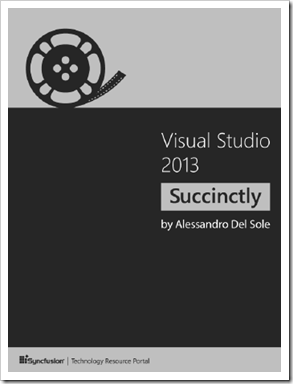
125 pages of succinctly Visual Studio 2013 information.

BTW, if you like this, make sure you check out this Build 2014 session, Tips and Tricks in Visual Studio 2013. Like this eBook, this session is pretty "dense," fast paced and filled with a ton of great tips...
(via Tatworth - Free book from Syncfusion on Visual Studio 2013 Succinctly)
No comments:
Post a Comment
NOTE: Anonymous Commenting has been turned off for a while... The comment spammers are just killing me...
ALL comments are moderated. I will review every comment before it will appear on the blog.
Your comment WILL NOT APPEAR UNTIL I approve it. This may take some hours...
I reserve, and will use, the right to not approve ANY comment for ANY reason. I will not usually, but if it's off topic, spam (or even close to spam-like), inflammatory, mean, etc, etc, well... then...
Please see my comment policy for more information if you are interested.
Thanks,
Greg
PS. I am proactively moderating comments. Your comment WILL NOT APPEAR UNTIL I approve it. This may take some hours...